UE5 Local Post-Process Hologram
A local post-process hologram effect that only applies to specific objects using stencil masking. Inspired by Adobe After Effects post-process FX techniques translated into real-time. The effect is actually pretty performance-friendly since it's localized rather than full-screen. The main challenge is the setup: stencil masks, render targets, and camera-facing particles all working together.
Table of Contents
Stencil Mask Setup
The core of this effect is using stencil masking to apply post-process only to specific objects. I have a particle that covers my object and stays camera-facing at all times - no matter where the object is, the particle is always in front of it facing the camera. The object gets rendered to a render target, and all the holographic effects are applied on top of that capture.
Frame Rate Stepping
To get that choppy hologram look where the animation stutters, I fake a lower frame rate in the material. The math is simple:
// Fake frame rate drop
float stepped = floor(Time * FrameRate) / FrameRate;
Multiply time by your target frame rate, floor it to get discrete steps, then divide by that same value. This makes everything jump in steps instead of flowing smoothly. Classic hologram stutter.
Glitch & Noise Effects
The glitchy behavior comes from noise textures that scroll horizontally to the left. I grabbed some glitch/static textures online and just scroll them over time. Combined with the frame stepping, you get that unstable hologram feel where things jitter and glitch randomly.
Triton (3-Color Posterization)
The hologram only uses three colors - that's what gives it that stylized sci-fi look. To achieve this:
- First, desaturate the model to grayscale (wash all the color)
- Then lerp between three chosen colors based on luminance
- Dark areas map to color 1, mid-tones to color 2, highlights to color 3
Left: Full effect with chromatic aberration and glitch. Right: Triton (posterization) only
The limited 3-color palette is what sells the stylized hologram aesthetic - everything else just adds to the instability. One limitation: you can't have true transparent opacity without tricks like dithered temporal AA, so the hologram either shows or doesn't.
Chromatic Aberration (RGB Shift)
I offset the R, G, and B channels slightly in different directions to create chromatic aberration. This color fringing adds to the imperfect, unstable look. You can animate the shift amount or tie it to glitch intensity for extra effect.
Transparency Solution
One problem with the basic approach: since the effect uses an opaque particle covering the object, you can't see through the hologram to what's behind it. That's not very hologram-like.
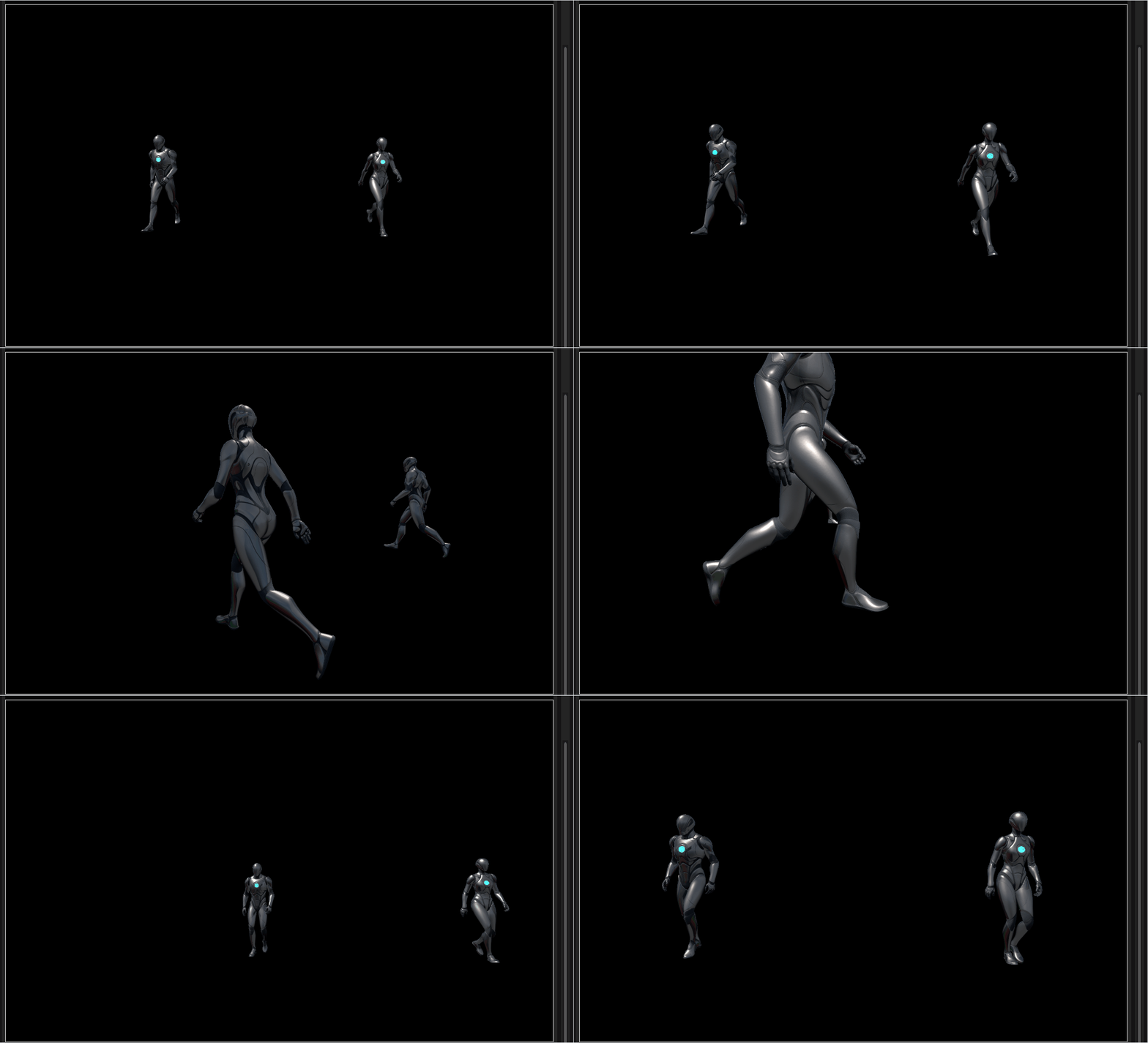
Render target capturing the mesh in isolation before applying hologram effects
The fix: render the object alone to a render target, apply all the hologram effects there, then display that on a transparentparticle sprite. Now you get proper see-through holograms while keeping all the post-process effects intact. It's a bit more setup but the result is way more convincing.
Different hologram variations showing the progression from opaque to transparent
The main complexity is in the setup - getting stencils, render targets, and particles all working together. But once it's running, performance is actually fine since the effect is localized to specific objects rather than being full-screen post-process. Scales well even with multiple holograms.
Tech Stack
Stencil Masking
Object isolation
Render Targets
Capture & composite
Niagara
Camera-facing sprites
Frame Stepping
Choppy animation
Chromatic Aberration
RGB shift
Posterization
3-color palette