Unreal Engine DMX Demo
A virtual stage in Unreal lit live by DMX out of Resolume Arena. A MetaHuman performer stands in the scene while the lights react in real time to whatever Resolume sends, so I can previs a show the same way I would light a real one. A weekend build, about two days, to prove out the DMX plugin, a MetaHuman, and the Resolume to Unreal signal path.
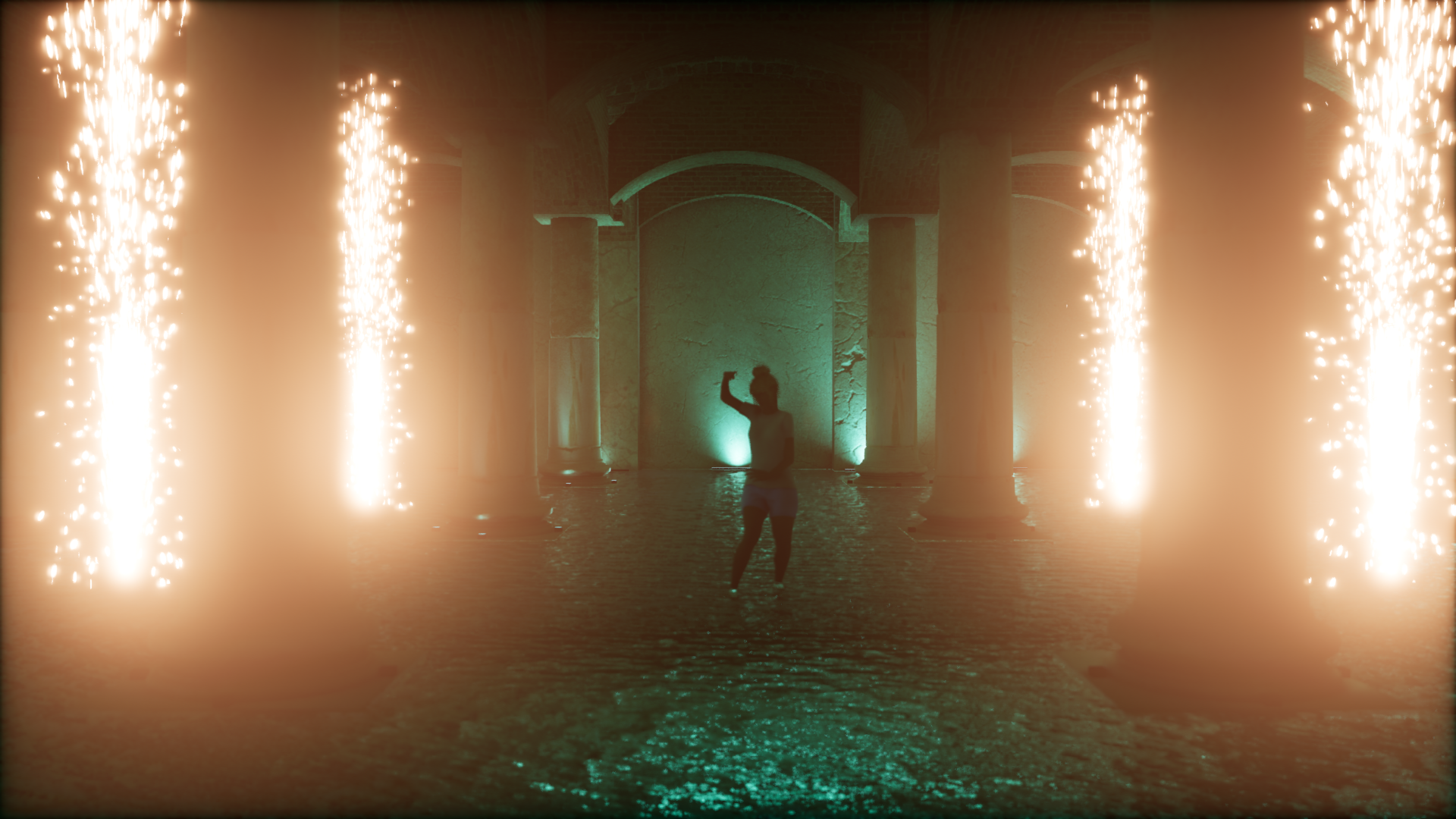
Final scene
Table of Contents
Building the Scene
The whole environment was built in Unreal with the modeling tools, no outside DCC. It went greybox to textured crypt to lighting before any DMX, which kept the loop tight enough for a two-day turnaround.
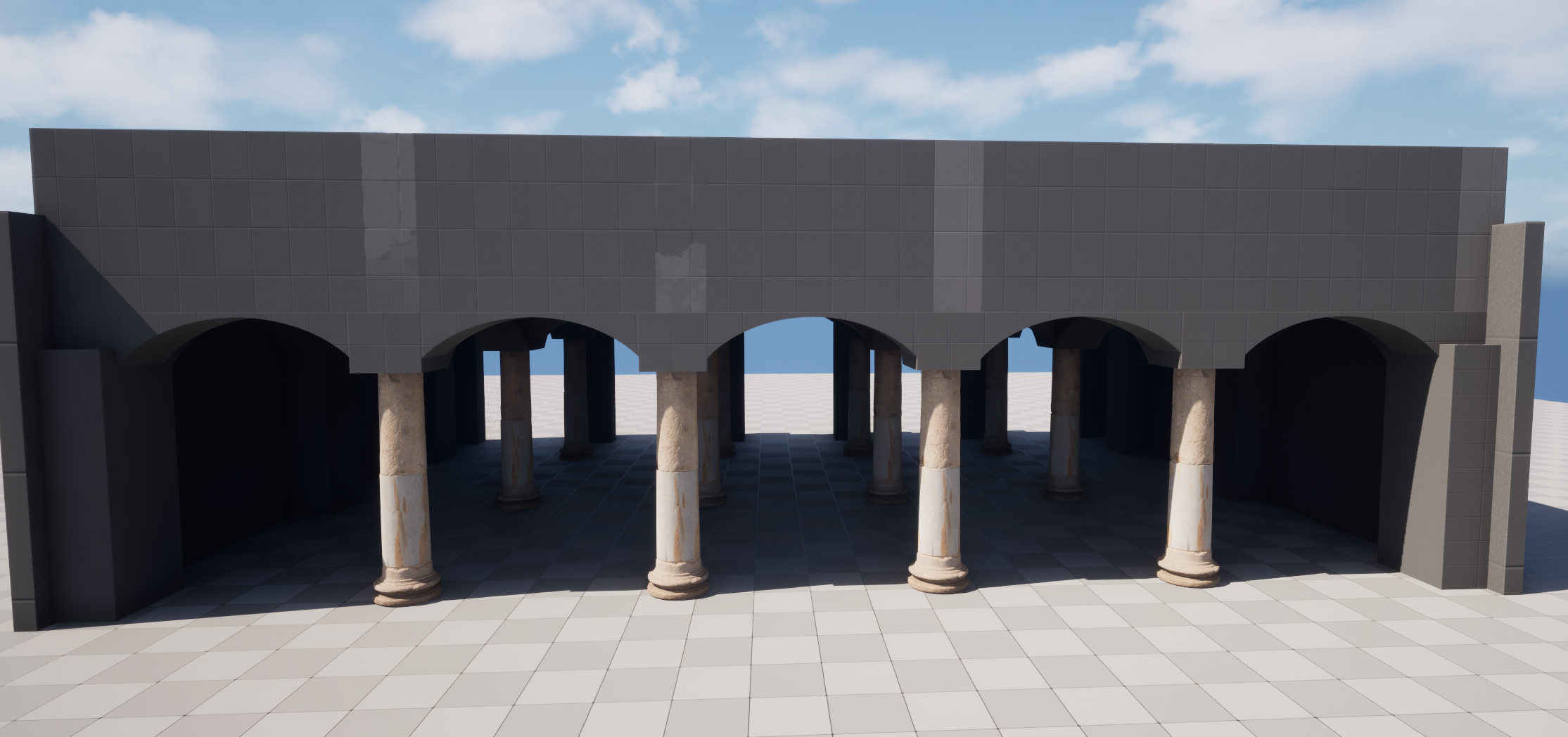
01. Blockout
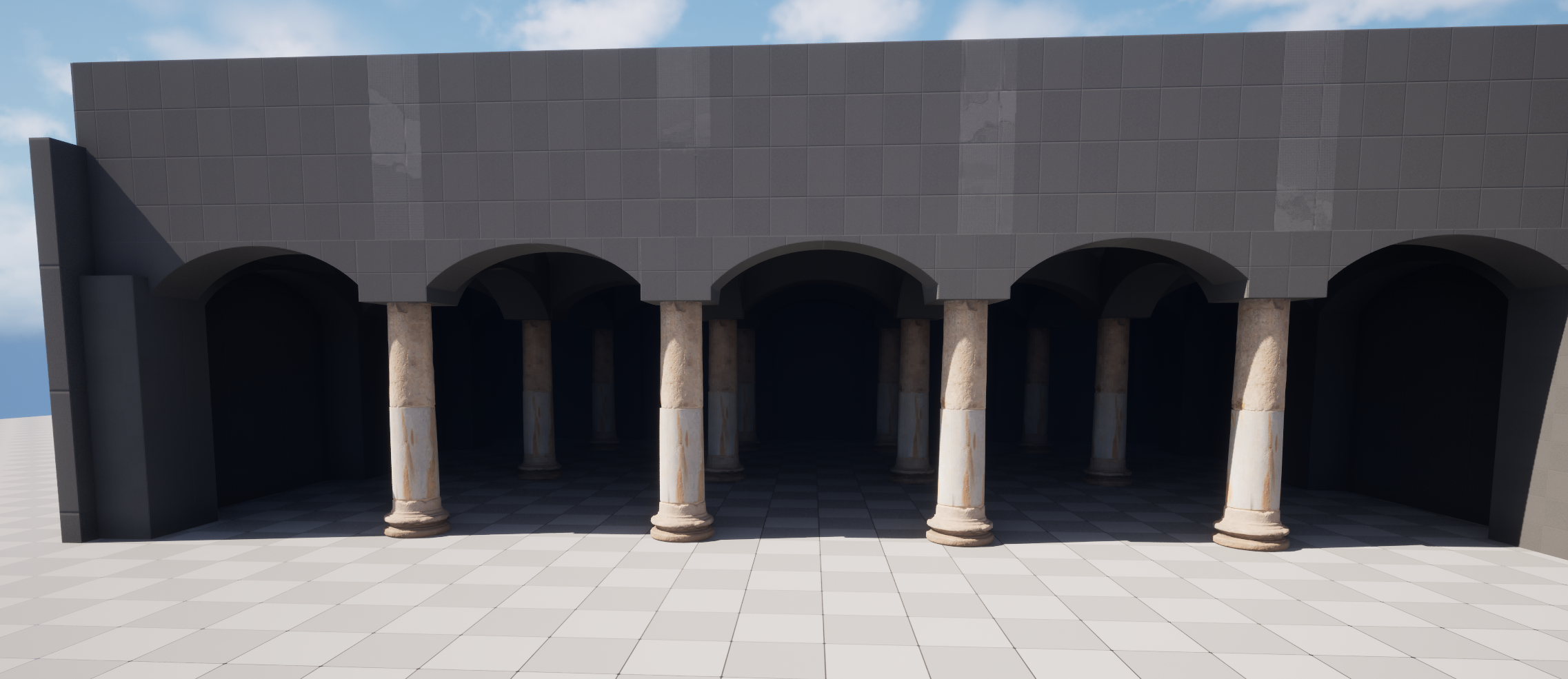
02. Blockout refined
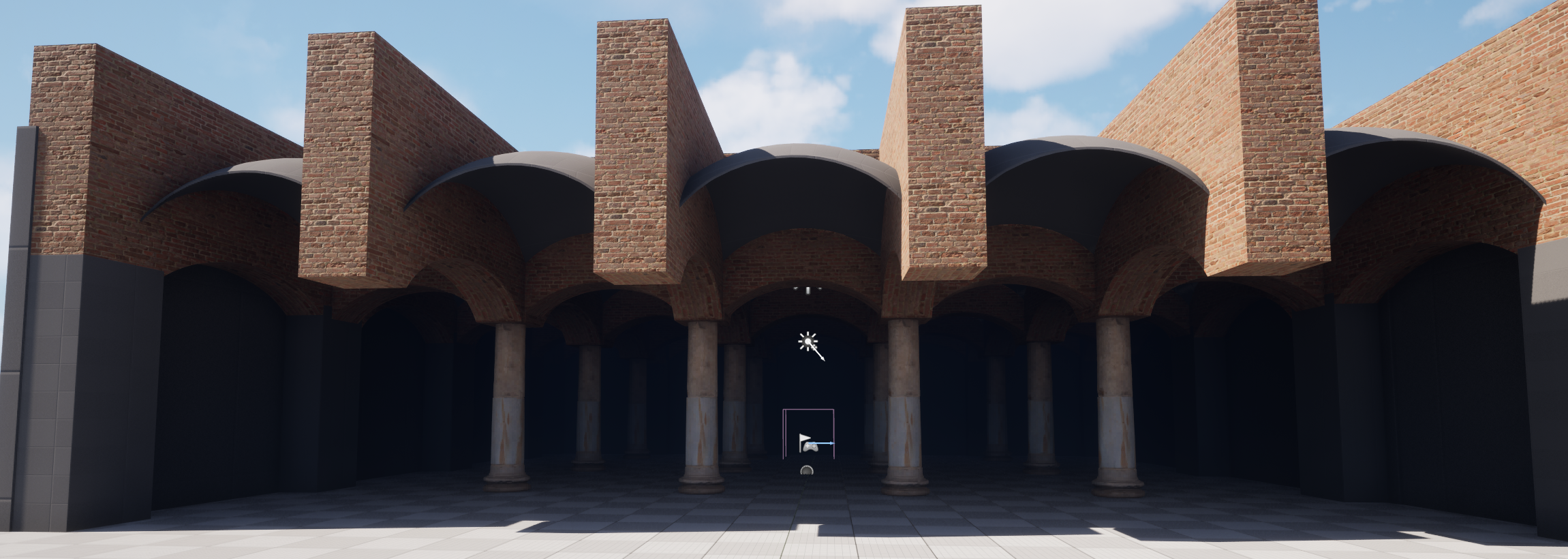
03. Materials start
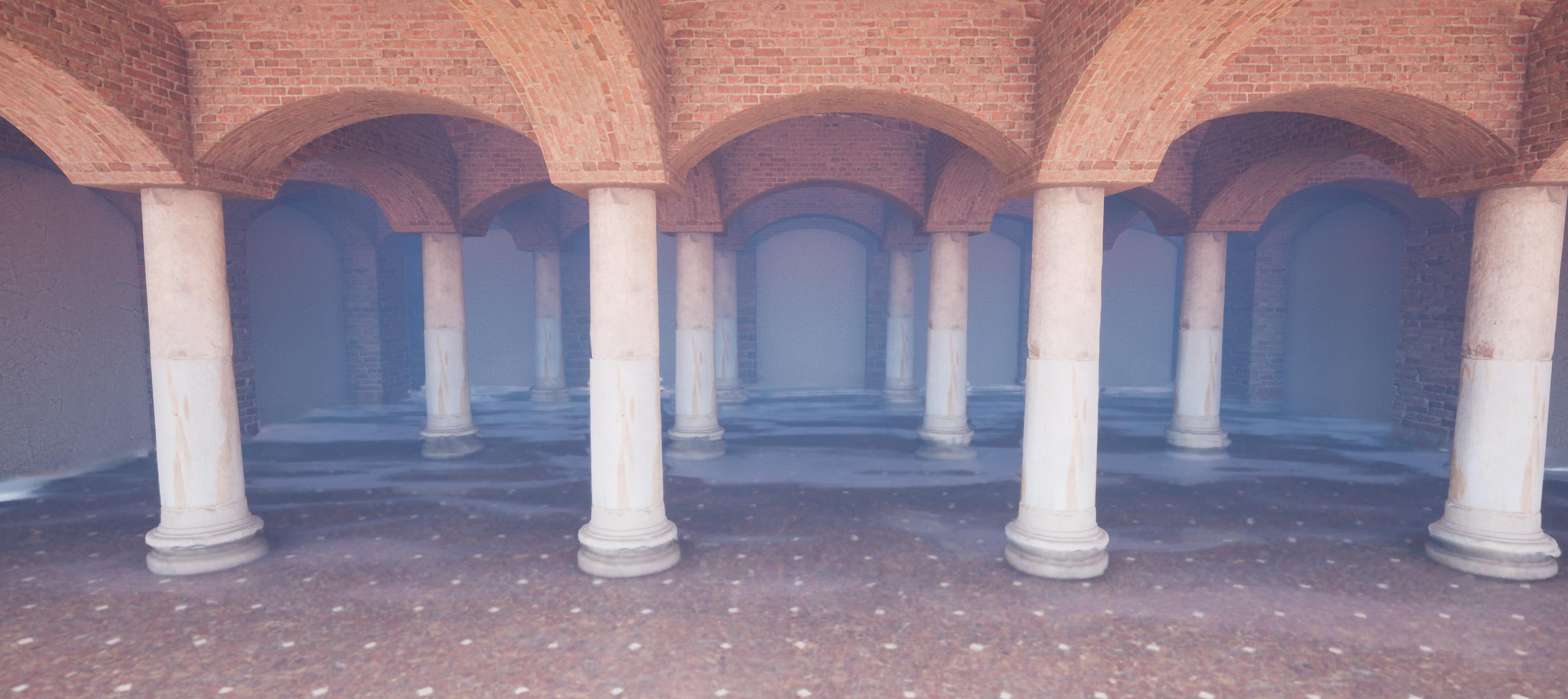
04. Full texture pass
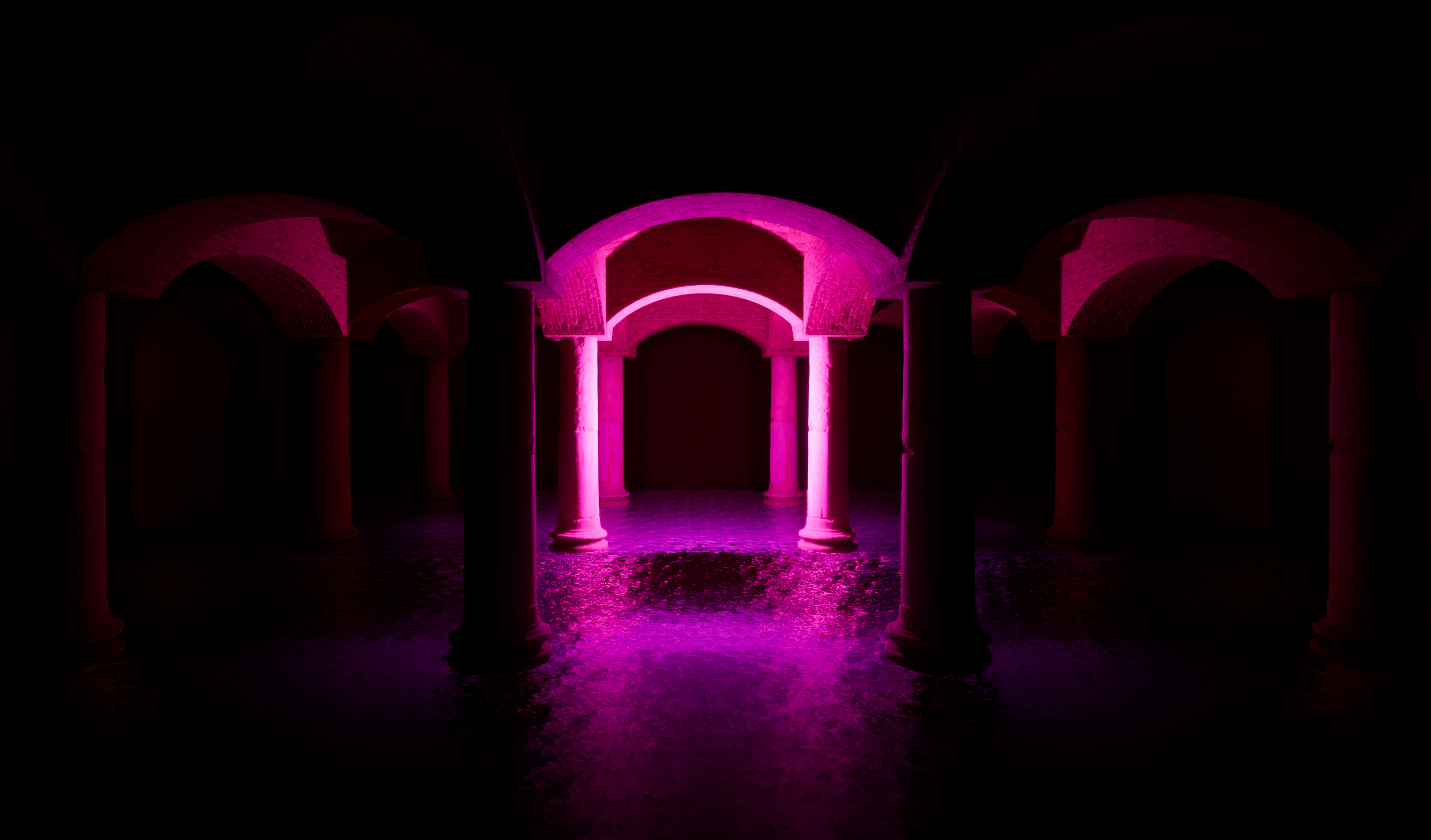
05. Lighting and post
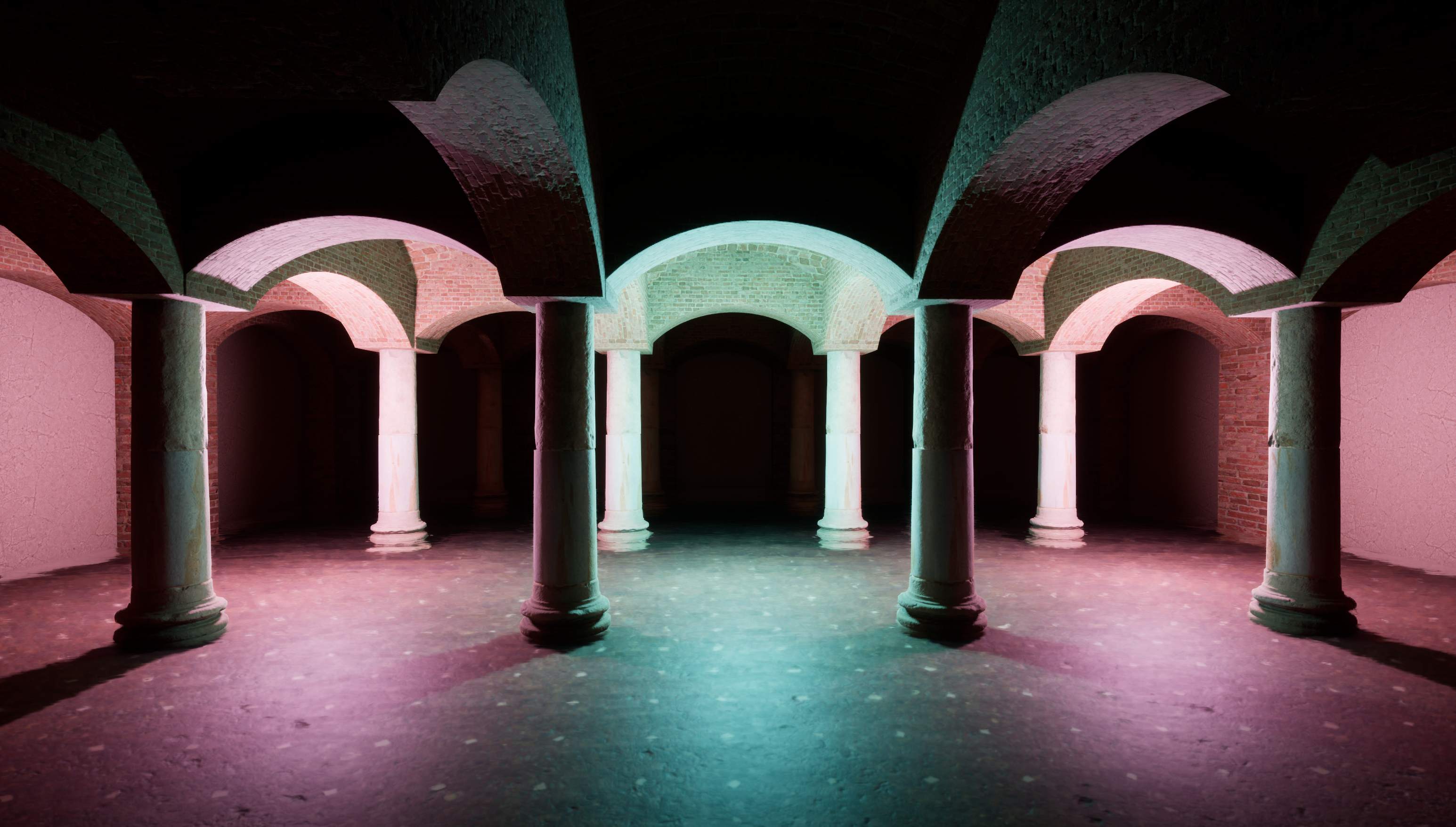
06. Light tests (pre-DMX)
Resolume Into Unreal
Resolume Arena does the lighting control. It broadcasts a DMX universe over the network, and Unreal's DMX plugin reads that stream live, so running a clip in Resolume shows up in the render right away.
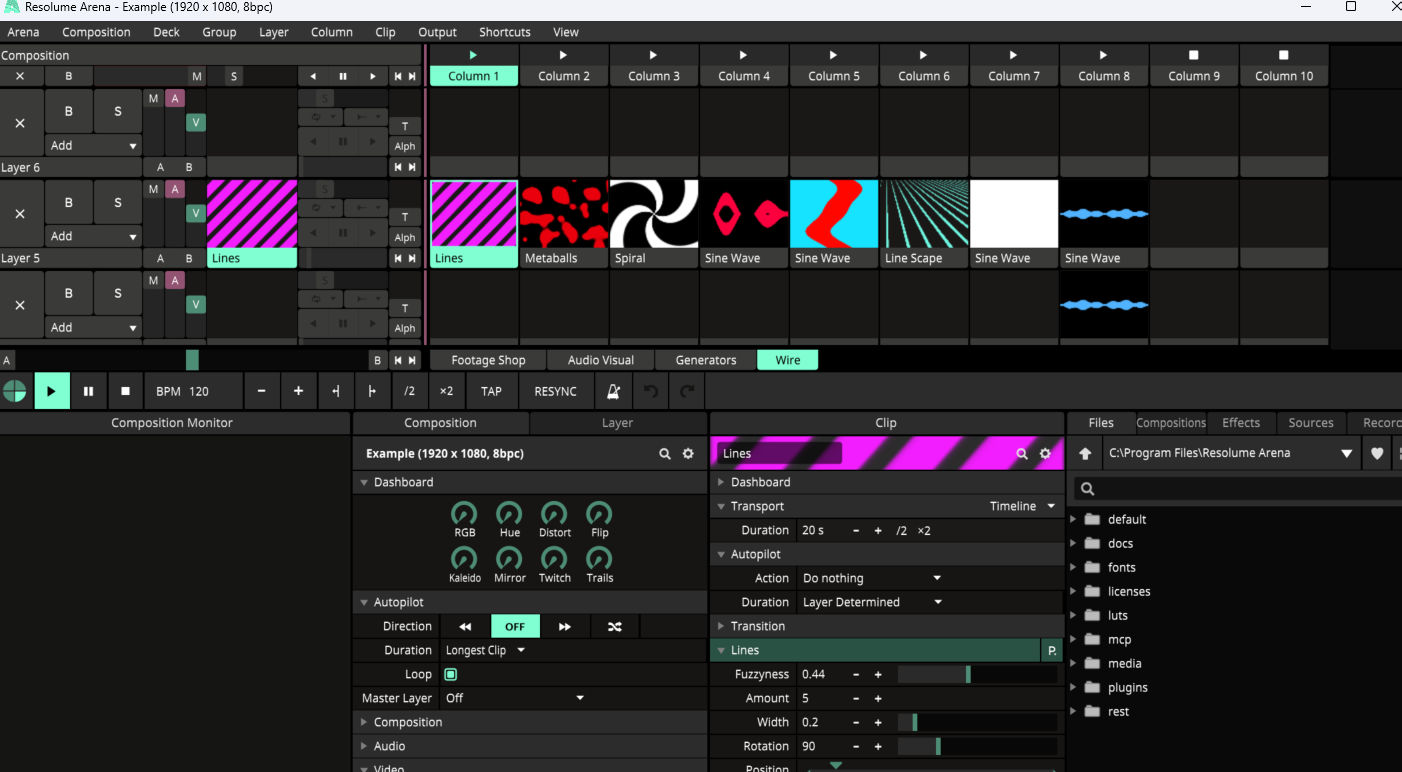
Composition
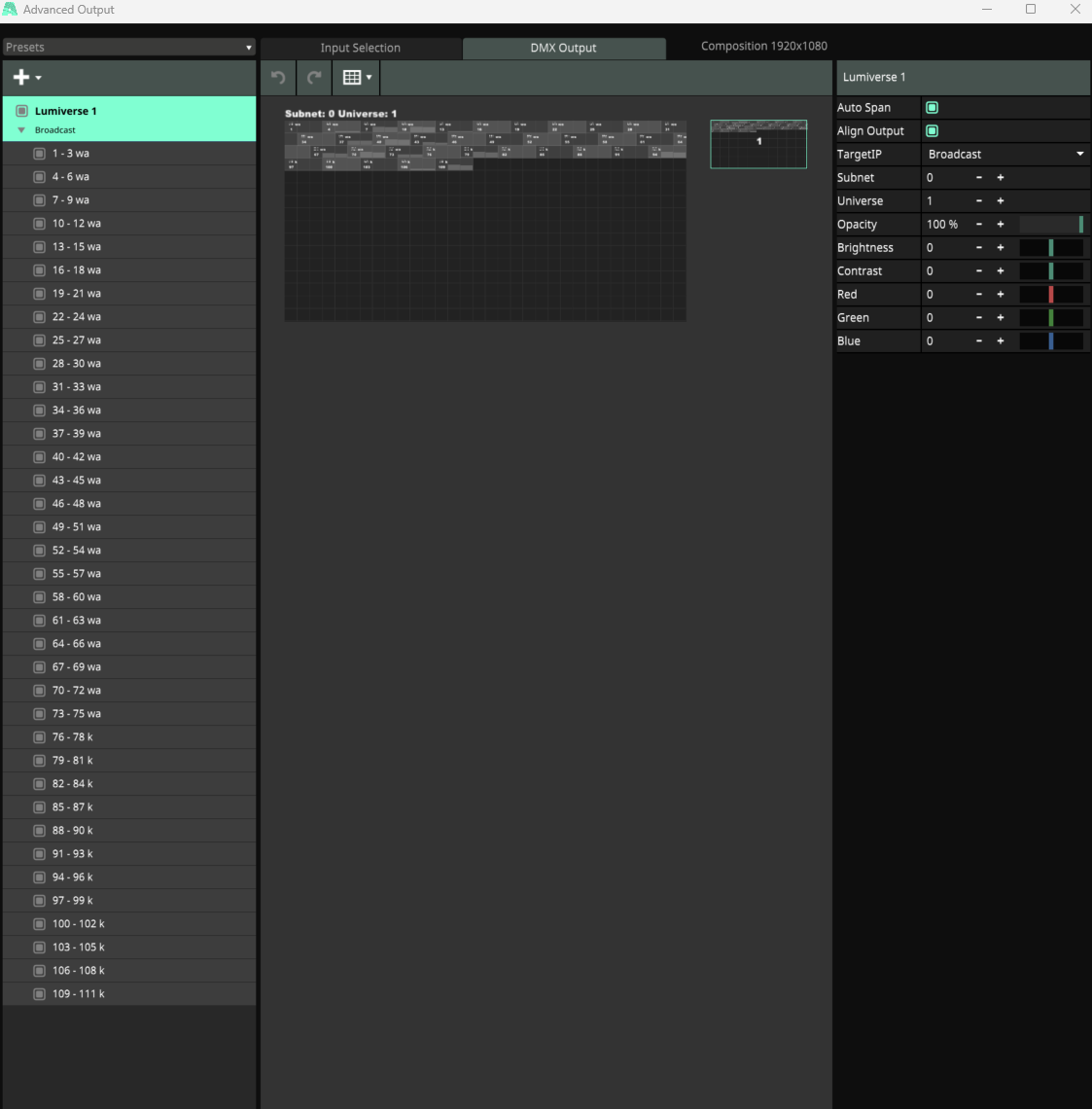
DMX output
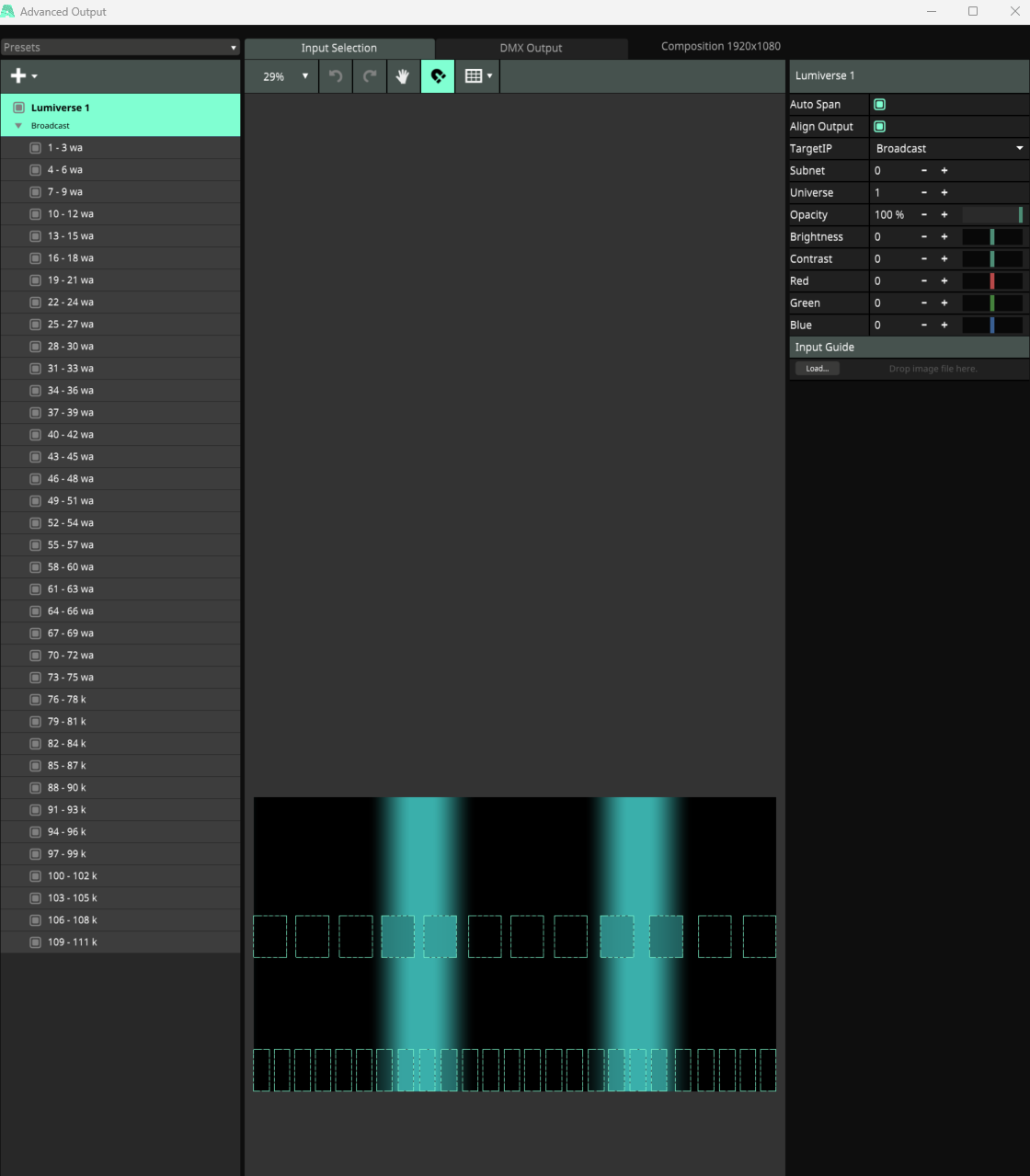
Pixel mapping
DMX Library and Patch
On the Unreal side everything lives in a DMX library. The key step is making sure Unreal listens on the same universe Resolume broadcasts to, then patching every fixture onto it.
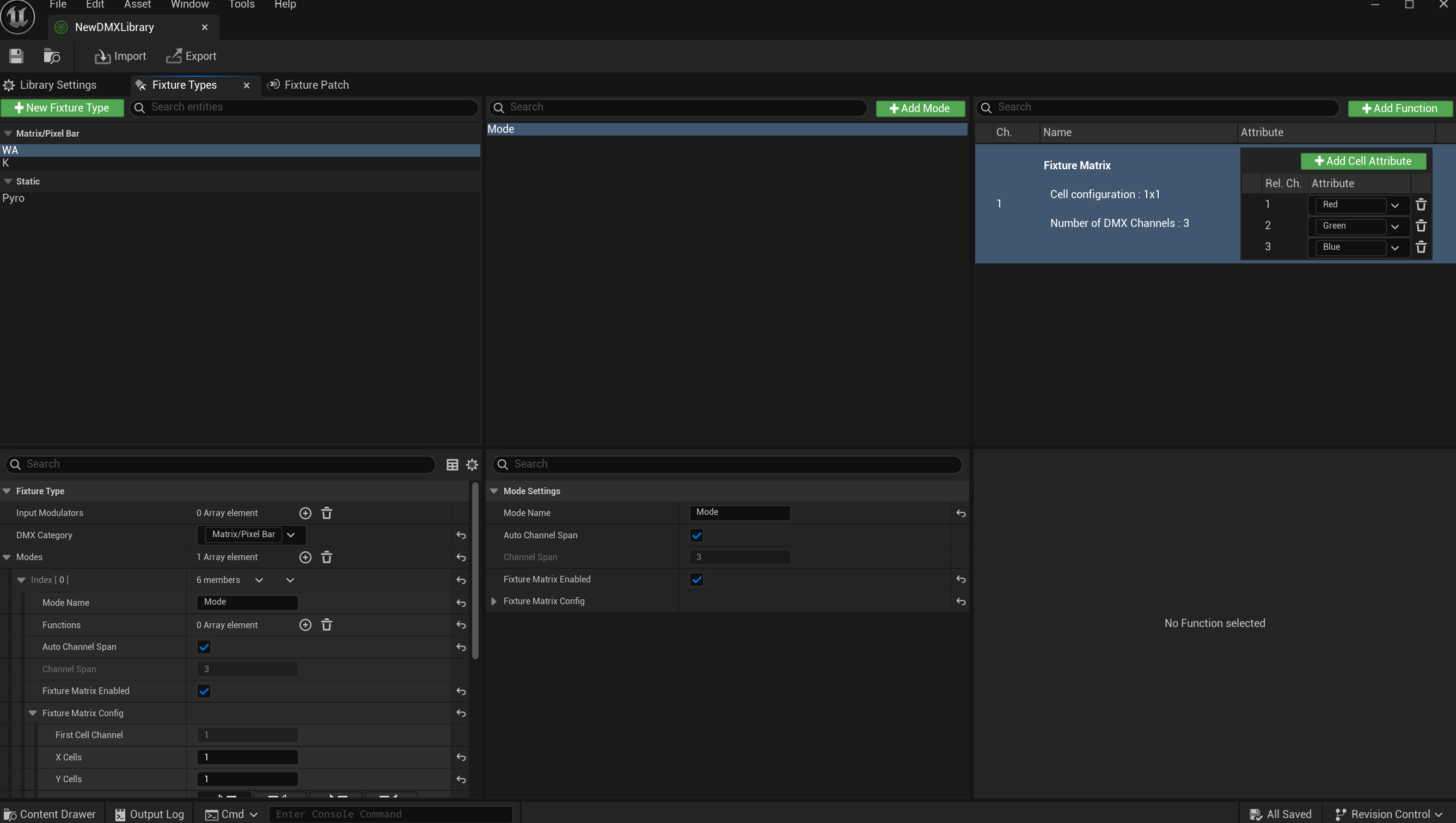
Fixture types
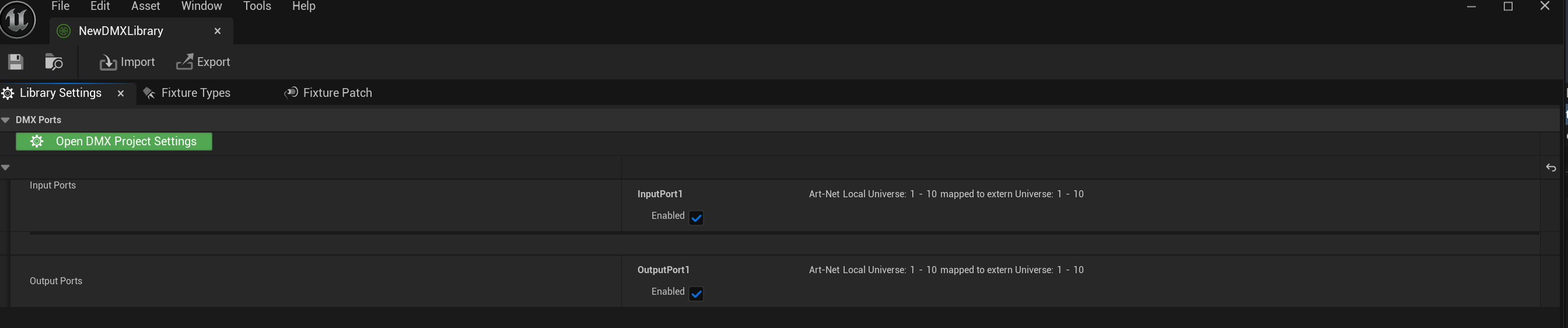
DMX ports
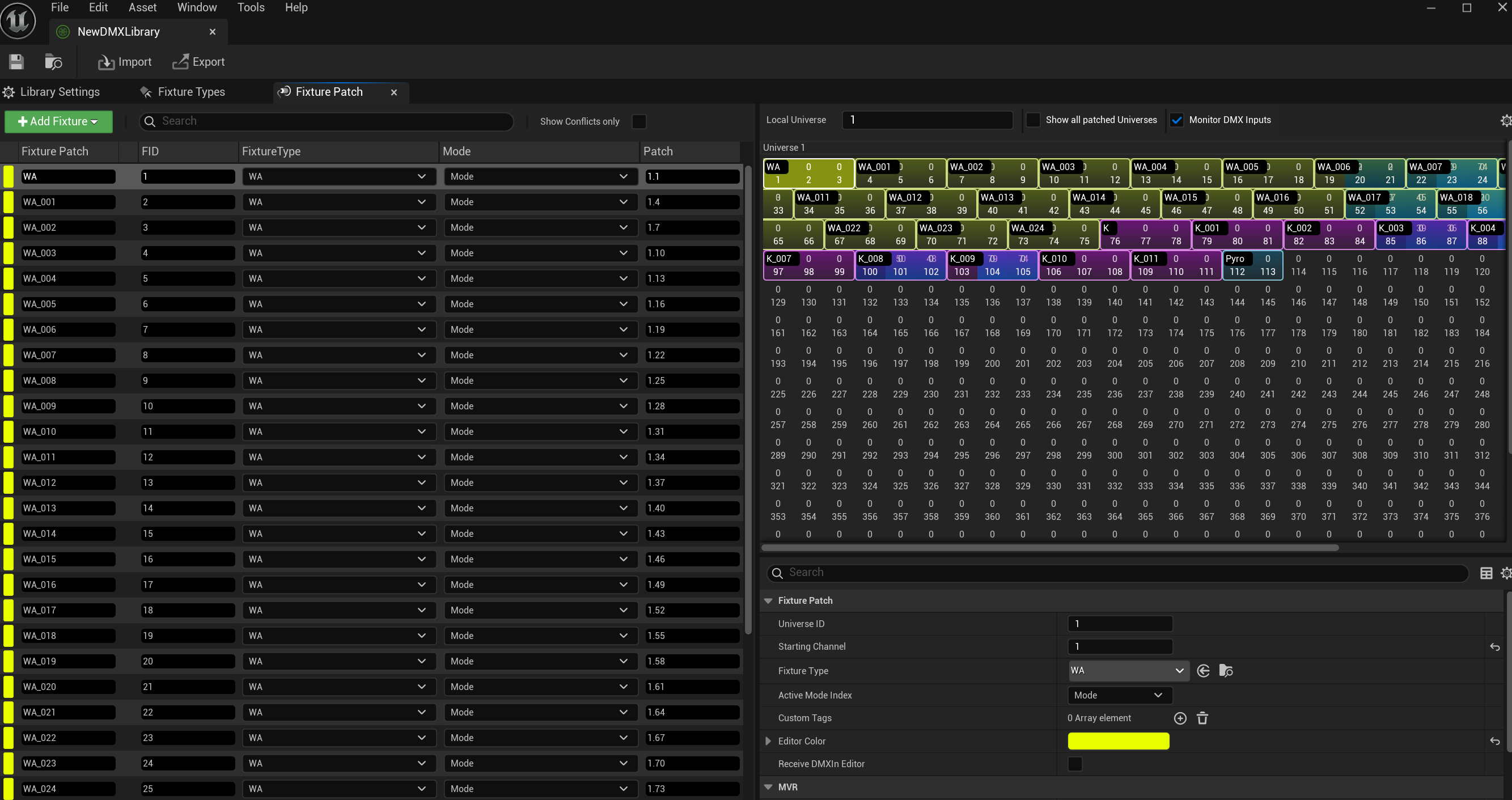
Fixture patch
- Fixture types
WA and K are simple 1x1 RGB pixels on three channels, plus a static Pyro type for the spark fountains.
- Matching universes
Art-Net universes 1 to 10 map to extern 1 to 10, so Unreal receives on the same range Resolume sends on. Miss this and nothing lights up.
- Patch and monitor
Every fixture is patched to sequential channels, with Monitor DMX Inputs on to confirm the live values land before placing anything.
The Fixtures
The fixtures are kept simple, all built from the same stock actor. The only real difference between the pillar lights and the wall lights was the spot light's IES texture.
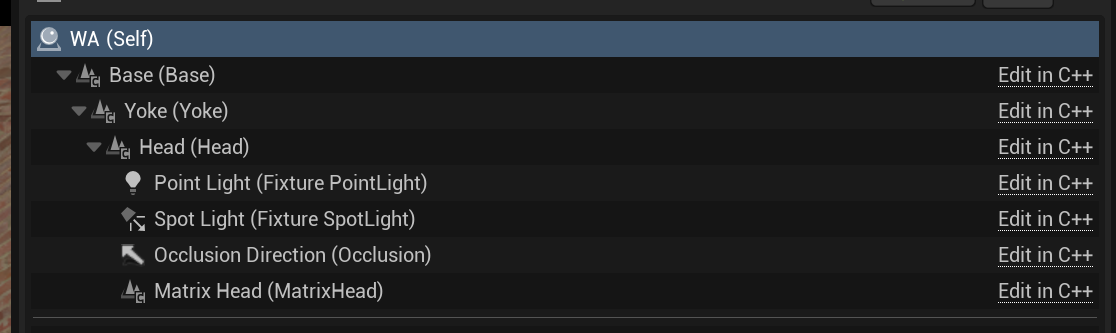
Fixture components

IES beam profile
- Stock actor
Base, Yoke, and Head, with a point light and spot light on the Head. Nothing custom.
- IES texture
A tight profile picks out the columns, a wide flood washes the walls. One setup covers both jobs by swapping that one asset.
The Performer
The character is a simple MetaHuman I created and autorigged, with a few manual cleanups. I did not animate her by hand. Free animations built on another skeleton got retargeted onto my character's rig so they played back cleanly.
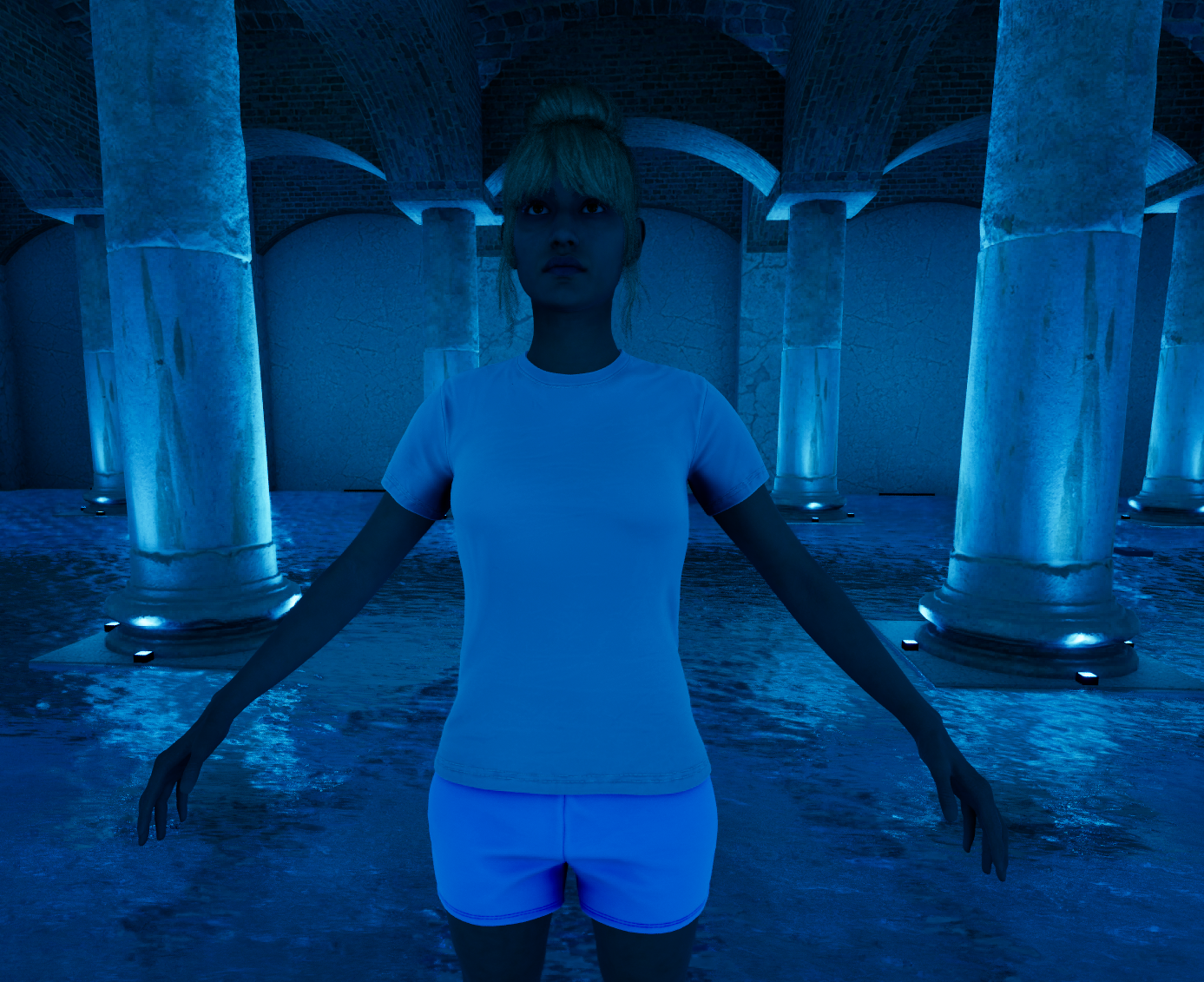
Autorigged MetaHuman
Assets note: the pillars, materials, and some environment pieces are free Fab store assets used to save time. The DMX setup, lighting, and sequencing are the parts I built.
Putting It Together
Everything comes together in Sequencer. I recorded takes while running the visuals live from Resolume, so each level sequence is a different lighting pass on the same scene.
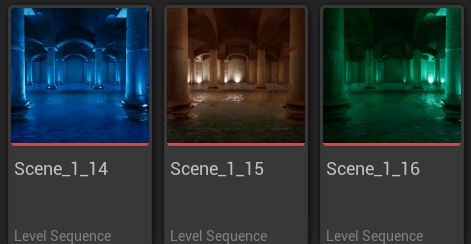
Level sequence takes
- Boolean-triggered fireworks
The spark fountains are a separate DMX asset, triggered by flipping a channel between 0 and 1 to time exactly when they fire.
- Locking the LOD
The main issue was pinning the character's LOD so she stayed full quality through the take without the hair popping.
- Lumen tuning
Tuned Lumen for clean indirect light off the fixtures. Considered raytracing for accurate water reflections, but Lumen was close enough and far cheaper for a prototype.
Tech Stack
Resolume Arena
Live DMX control
DMX Plugin
Art-Net into Unreal
Modeling Tools
In-engine environment
MetaHuman
Autorigged performer
Retargeting
Free animations
Sequencer
Takes and triggers
Credits
Environment dressing was not the focus here, so I used free Fab store assets to save time. The DMX setup, lighting, and sequencing are my own work.
- Historical Roman assets, Fab
- Historical Roman materials, Fab
- Water shader, Fab
- Dancing animation, Fab
- Music: "White Rabbit", The Matrix theme